
Onboarding Wizard
The Wizard is your entry point into xyva. It scans your environment, detects existing testing frameworks, and helps you connect your preferred AI provider.
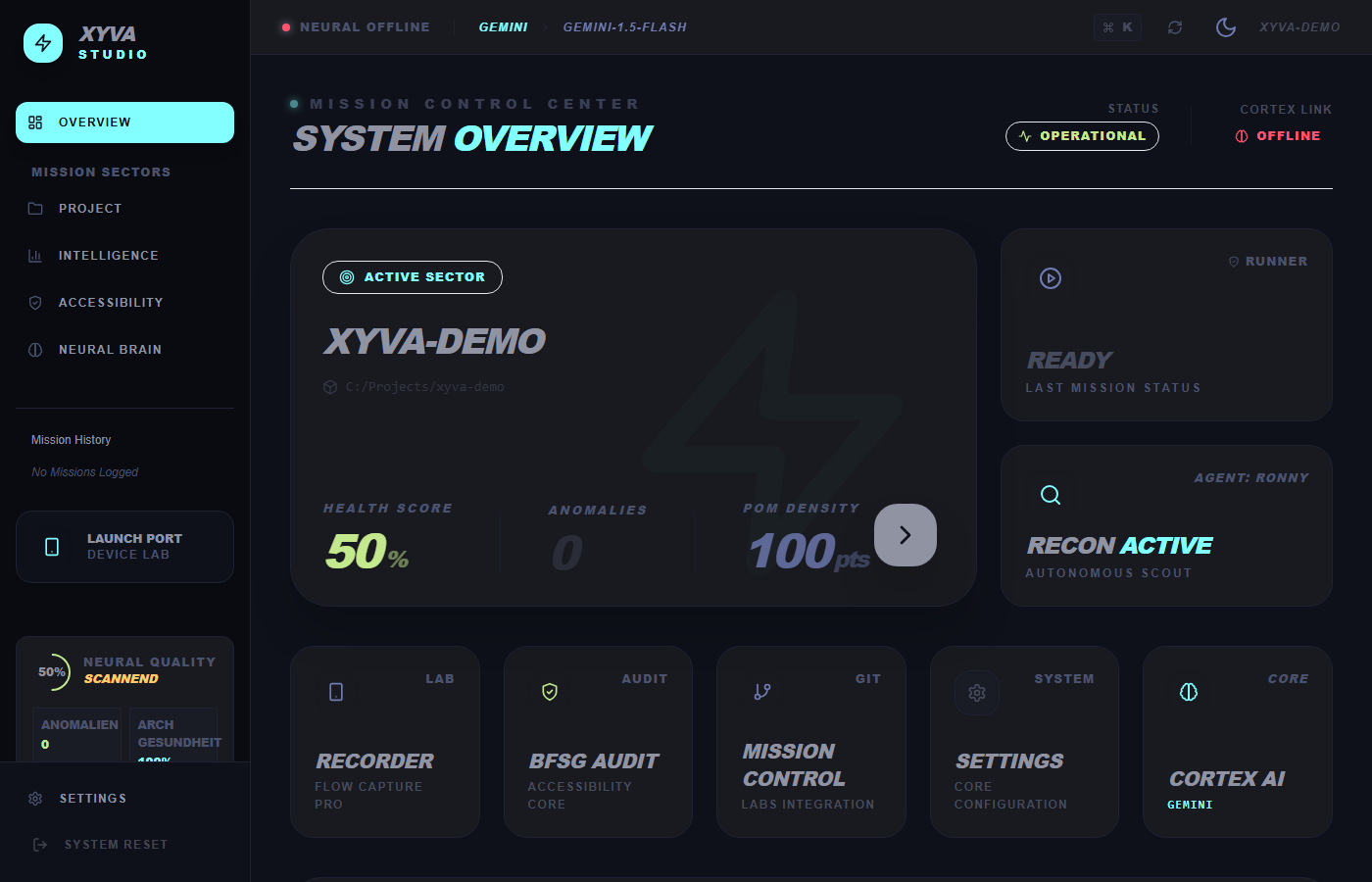
Core Capabilities
1. Language selection
xyva is available in English and German. Your choice persists across the entire application and adapts AI prompts accordingly.
2. Auth Doctor
A proactive check for existing AI provider credentials.
- Auto-scan: Detects existing CLI credentials for Gemini (gcloud), OpenAI, or Azure.
- Manual entry: Secure entry of API keys if no local session is found.
- Observer mode: Read-only demo mode to explore the interface without credentials.
3. Project scan
xyva doesn't just "open" folders — it scans them.
- Framework detection: Identifies Playwright projects.
- Project mapping: Counts Page Objects, fixtures, and tests to build an internal project graph.
- Dependency check: Verifies
node_modulesand browser binary health.
4. Preflight checks
Before handing over control, the Wizard runs a system audit:
- Runtime: Node.js version compatibility
- SCM: Git availability
- Write access: File system writability
Usage
- Launch xyva: The Wizard appears automatically on first run.
- Select language: EN or DE.
- Connect AI: Let Auth Doctor scan, or enter your key manually.
- Select project:
- Open project to import an existing repo.
- New project to scaffold from scratch.
- Launch: Click Open workspace to enter the main dashboard.