
What is xyva.ai?
xyva.ai is a cloud QA portal with a local Playwright agent. You sign in at xyva.ai/app in your browser; a one-line npx @xyva/agent command on your machine handles the actual test execution. Your code, browsers and API keys stay local — the portal handles auth, billing, teams and result summaries.
Key Value Propositions
Browser-first, no installer
No .exe, no .dmg, no admin rights. Everything you need lives at xyva.ai/app. The local agent is a single npm command — start it once per project, run from the browser.
Code stays on your machine
The portal never reads your repository. Playwright runs, screenshots, traces and selectors live on your laptop; only structured run summaries, settings and team metadata cross to the portal.
BYOK for every AI provider
Configure Gemini, OpenAI, Claude, Azure OpenAI, OpenRouter, Groq, DeepSeek, Ollama, LM Studio or your own AI proxy with your own keys. Keys are encrypted client-side before they leave the agent.
AI assistance — not autonomy
The AI Assistant suggests tests, explains failures and proposes selector/fix patches. You review and accept; humans stay in control.
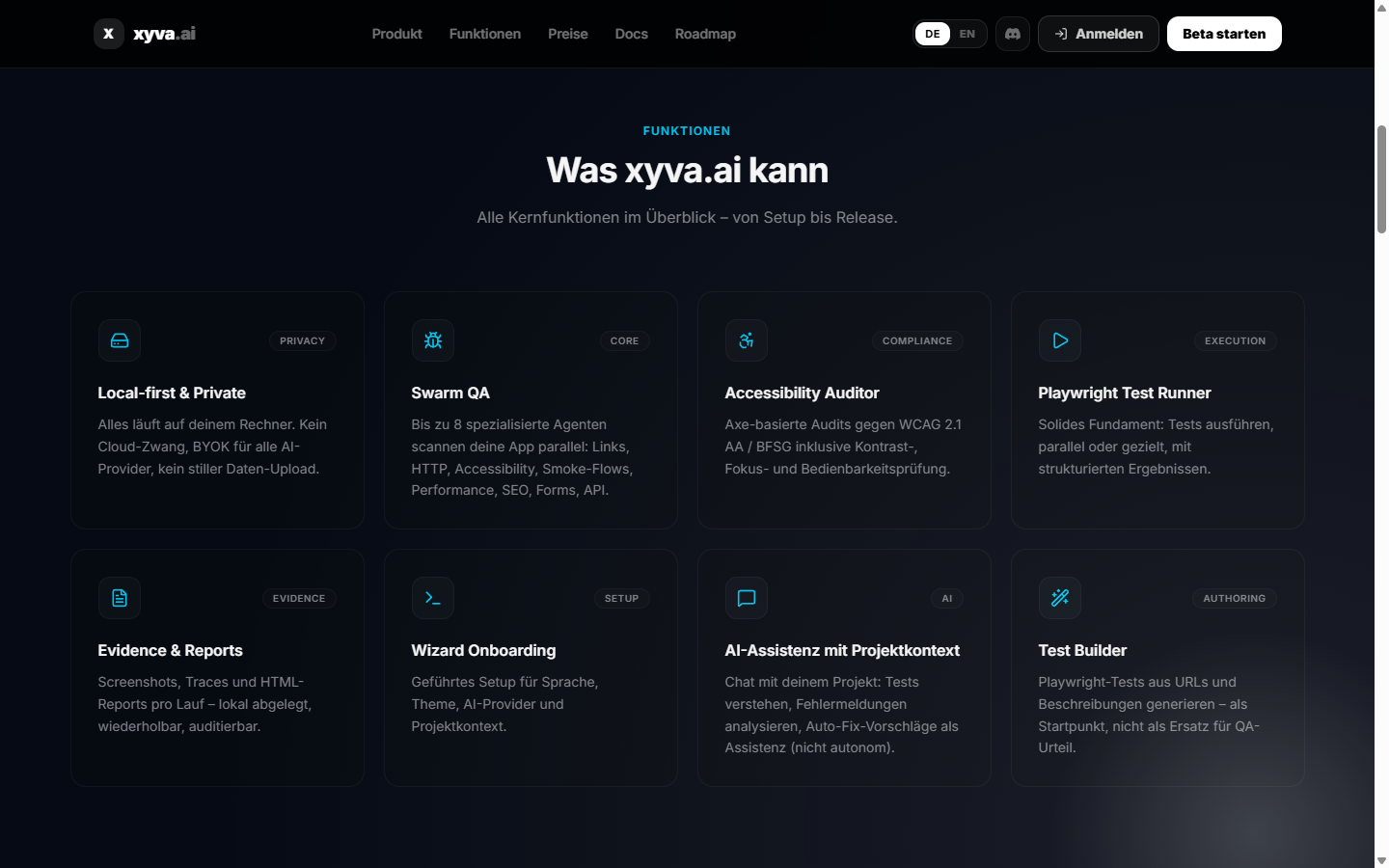
Multi-agent QA scanning (Swarm QA)
Up to 8 focused agents — Link Patrol, HTTP Guard, A11y Scout, Smoke Flow, Perf Sentinel, SEO Recon, Form Fuzzer, API Health — run in parallel on your local agent.
Built-in accessibility auditing
Axe-based checks against BFSG and WCAG 2.1 AA with actionable evidence reports.
CI/CD integration
The portal connects to GitHub Actions, GitLab CI, YouTrack, TestRail and monitoring platforms like Checkmk.
Who is xyva for?
| Role | How xyva helps |
|---|---|
| QA engineers | Browser-based runner, Swarm scanning, accessibility reports, evidence exports |
| Test automation engineers | Playwright scaffolding, AI-assisted test generation and failure analysis |
| DevOps teams | Pipeline dashboards, CI/CD integration |
| Engineering leads | Coverage insight, quality trends, architecture audits |
Architecture at a Glance
   Browser (any device)              Your machine
 ┌─────────────────────┐         ┌───────────────────────┐
 │  xyva.ai/app        │  WSS   │  npx @xyva/agent      │
 │  • UI & dashboards  │◄──────►│  • Playwright runner  │
 │  • Auth & billing   │         │  • Git / FS access    │
 │  • Result summaries │         │  • AI provider calls  │
 └─────────────────────┘         └───────────────────────┘
        Postgres                         Local disk
        (no code)                  (repo, browsers, traces)
The portal stores:
- User profile, team membership, subscription state
- Run summaries, finding metadata, scheduled scans
- Settings (encrypted secrets are stored server-side only when you opt in to portable settings)
The local agent handles:
- Playwright execution (Chromium, Firefox, WebKit)
- File system and Git access
- Direct AI provider calls (your keys never round-trip via the portal)
- Browser automation and screenshot capture
TIP
Test execution works without the portal once the agent is running — the portal is the control plane, not the data plane. AI features need network access to your configured provider.
Next Steps
- Portal Getting Started — sign in and meet the dashboard
- Local Agent Setup — install and connect the agent
- Quick Start — run your first test in under 5 minutes
- Wizard Guide — walk through the in-portal onboarding