
Quick Start
From zero to your first test result in under 5 minutes.
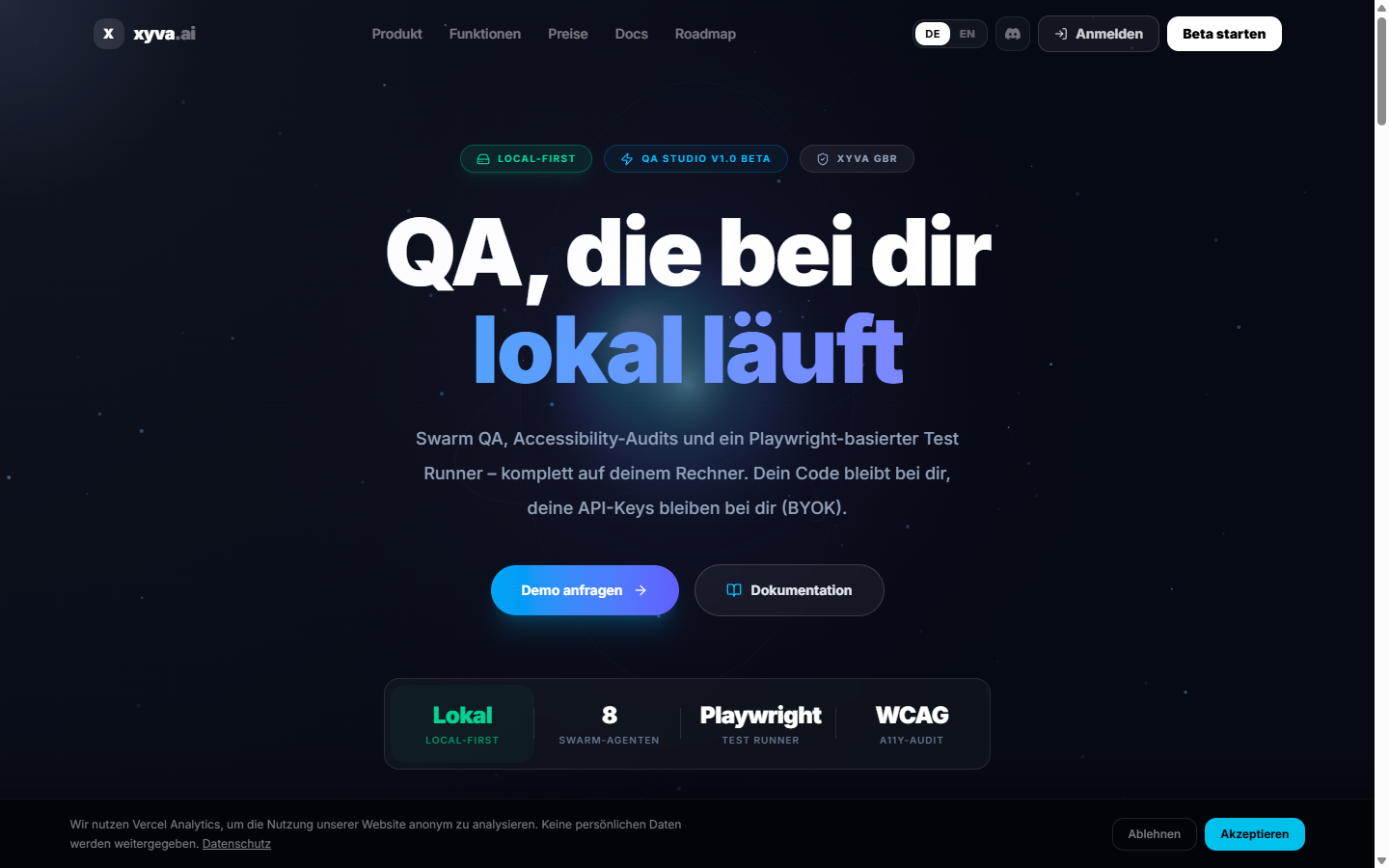
Step 1: Sign in to the portal
Open xyva.ai/app and log in with Google, GitHub or magic link. New accounts land on a 14-day Solo trial — no credit card.
Step 2: Start the local agent
In a terminal, inside the project you want to test:
bash
npx @xyva/agent start --project .On first run the agent will:
- Open a browser tab to confirm portal handoff
- Offer to install Playwright browsers if missing
- Bind the WebSocket bridge on
127.0.0.1:7900
Leave the terminal running. The portal's agent badge in the top bar should flip to Connected.
Step 3: Walk through the in-portal Wizard
The first time the portal sees a new project, the Wizard appears. Steps:
- Language — English or German
- AI Connection — choose a provider and paste your key, or pick Observer Mode
- Project Import — confirm the detected Playwright config
- Preflight — the agent validates Node, Git and browser binaries
TIP
No AI key yet? Pick Observer Mode. Runner, Test Hub, Accessibility Auditor and reports all work without AI.
Step 4: Run your first test
- Open Runner in the sidebar
- The file tree mirrors the agent's project directory
- Click ▶ next to a spec or a single test
- Stream results, console logs and screenshots in real time
Equivalent CLI from the agent's terminal:
bash
npx playwright test --reporter=listStep 5: Try the AI features
With a provider connected:
| Feature | What it does |
|---|---|
| AI Assistant | Project-aware chat for test generation, debugging, code explanations |
| Swarm QA | 8 parallel agents (a11y, links, performance, SEO, …) |
| Project Scout | Coverage-gap suggestions |
| Auto-Fix | Selector / fix proposals on failure — you approve before they're applied |
Launch a Swarm Scan
- Open Swarm QA
- Enter a target URL (e.g.
https://your-app.dev) - Pick a preset: Quick Smoke, Standard Scan or Deep Audit
- Click Launch
- Findings stream into the dashboard, classified by severity and action category
WARNING
Swarm scans hit your target URL with real HTTP requests. Only scan apps you have permission to test.